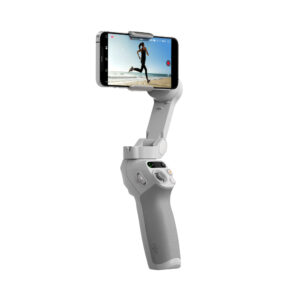
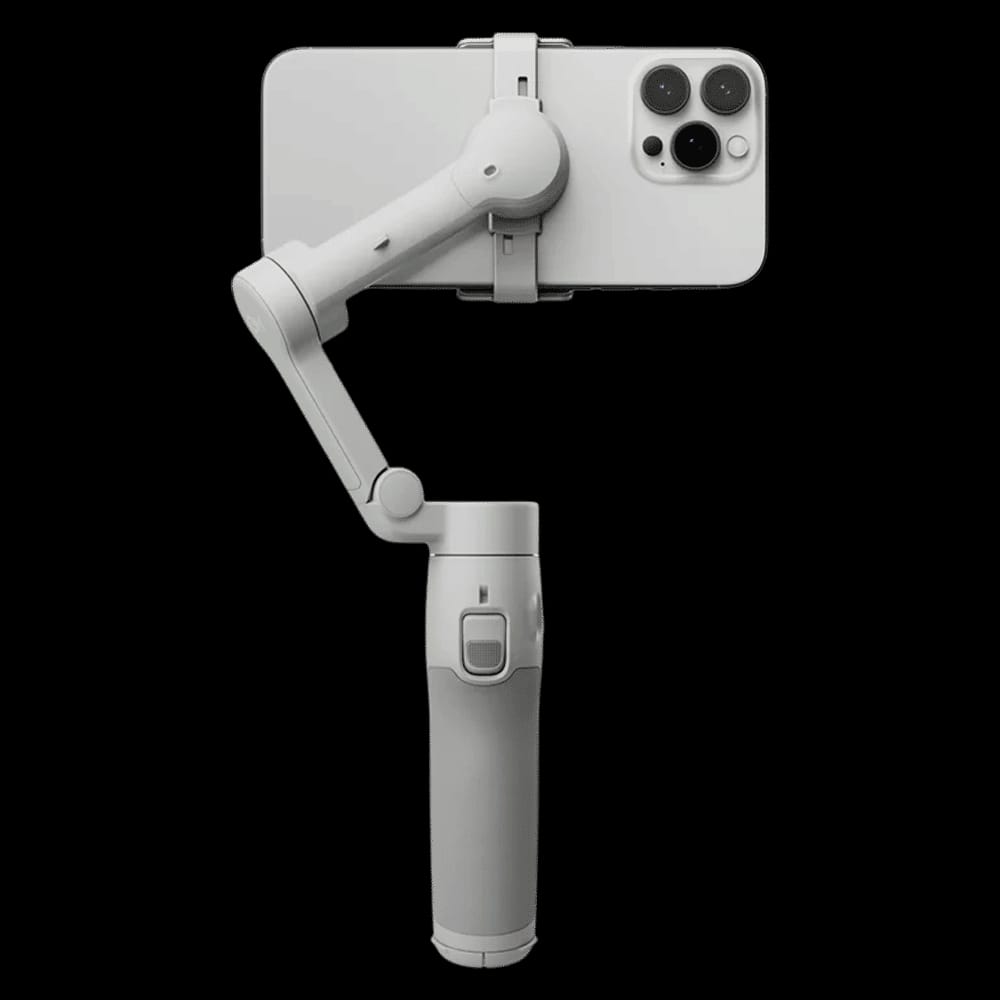
📱 Professional 3-Axis Stabilization – Capture incredibly smooth and shake-free videos while walking, running, or filming handheld.
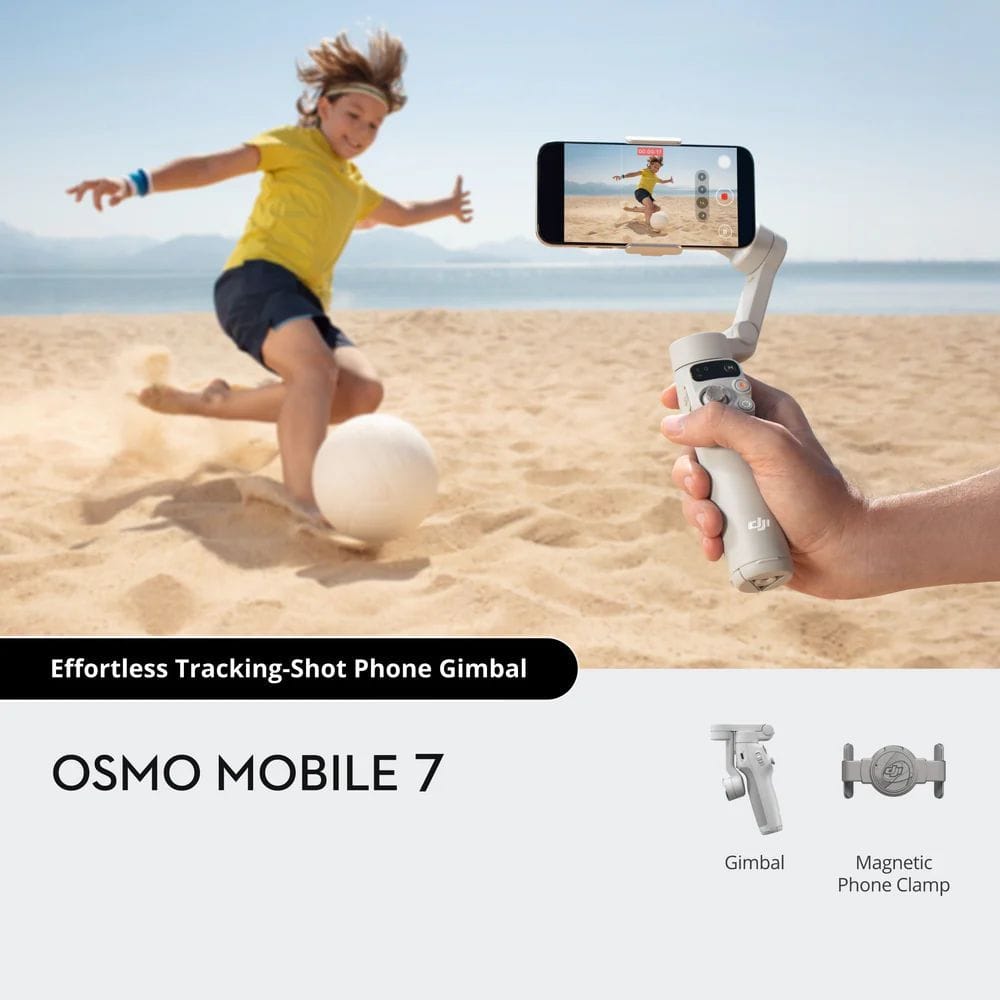
🎯 ActiveTrack 7.0 Technology – Intelligently tracks people, pets, and moving subjects with improved accuracy and smoother framing.
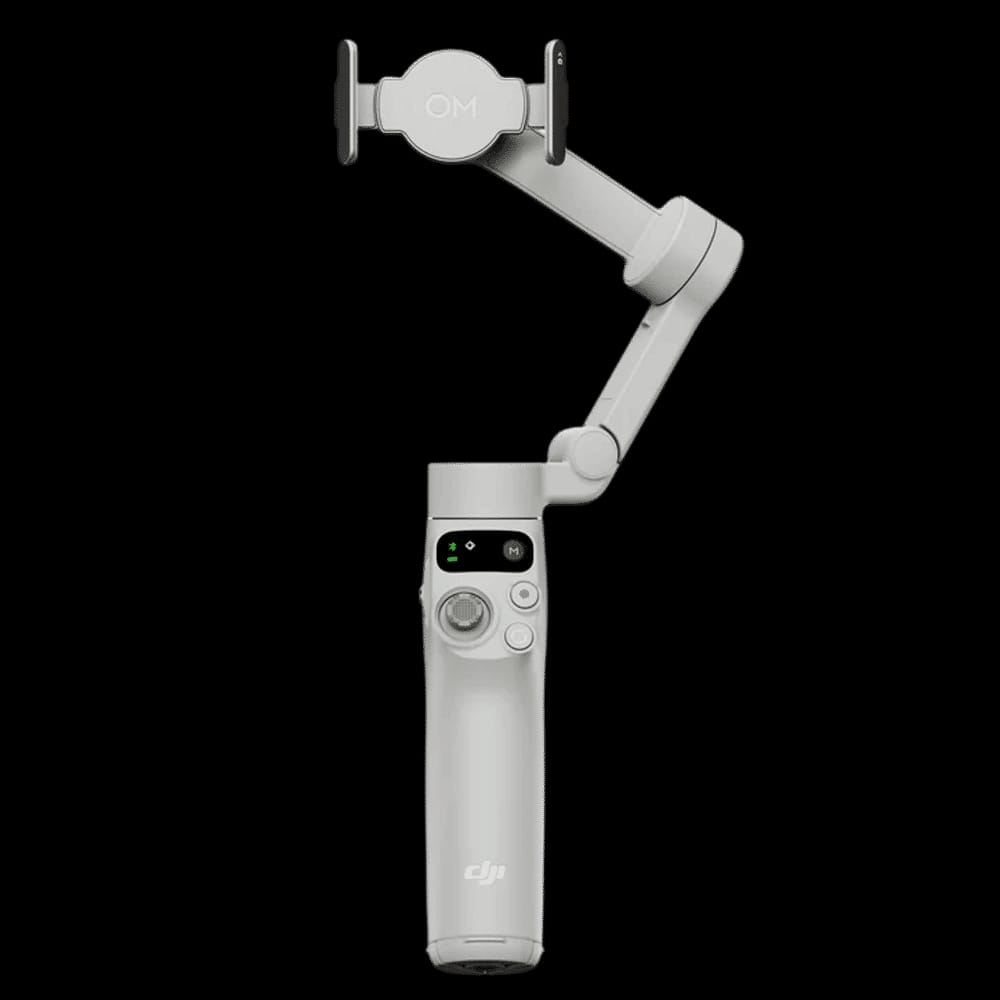
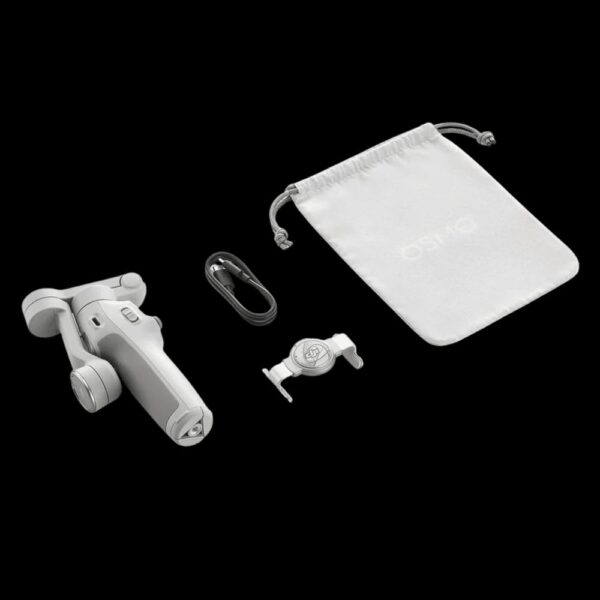
🚀 Quick Fold & Quick Launch – Unfold the gimbal, attach your phone, and start recording instantly.
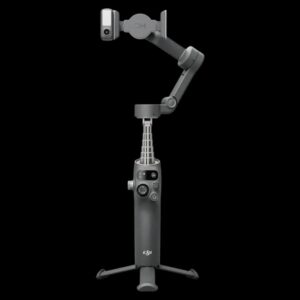
🦾 Built-in Tripod – Integrated tripod allows hands-free recording, group photos, time-lapses, and livestreams without extra accessories.
📲 Native Camera App Support – Works with the DJI Mimo app and supports tracking with the optional Multifunctional Module even in compatible native and third-party camera apps.
🔋 Up to 10 Hours Battery Life – Shoot throughout the day on a single charge.
⚡ Phone Charging Function – Charge your smartphone directly from the gimbal while recording.
📸 One-Tap Editing – Automatically create professional-looking videos with AI-powered templates in the DJI Mimo app.
🎬 Creative Shooting Modes – Includes Panorama, Timelapse, Motionlapse, DynamicZoom, SpinShot, Hyperlapse, Story Mode, and Gesture Control.
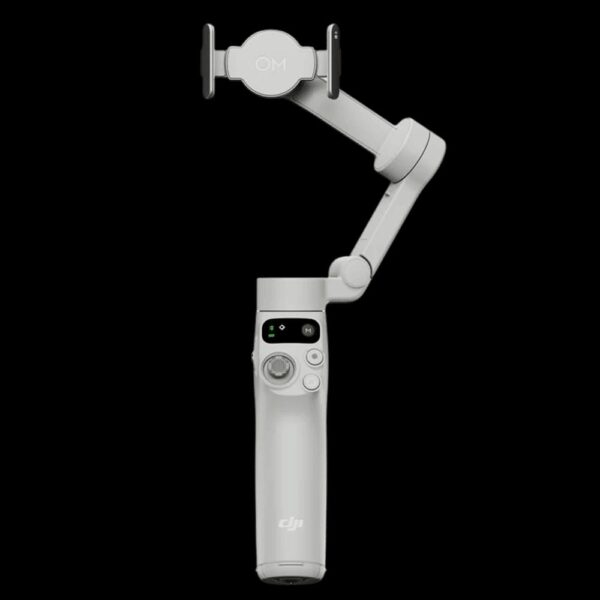
🤳 Comfortable Ergonomic Grip – Lightweight, foldable design provides comfortable one-handed operation.
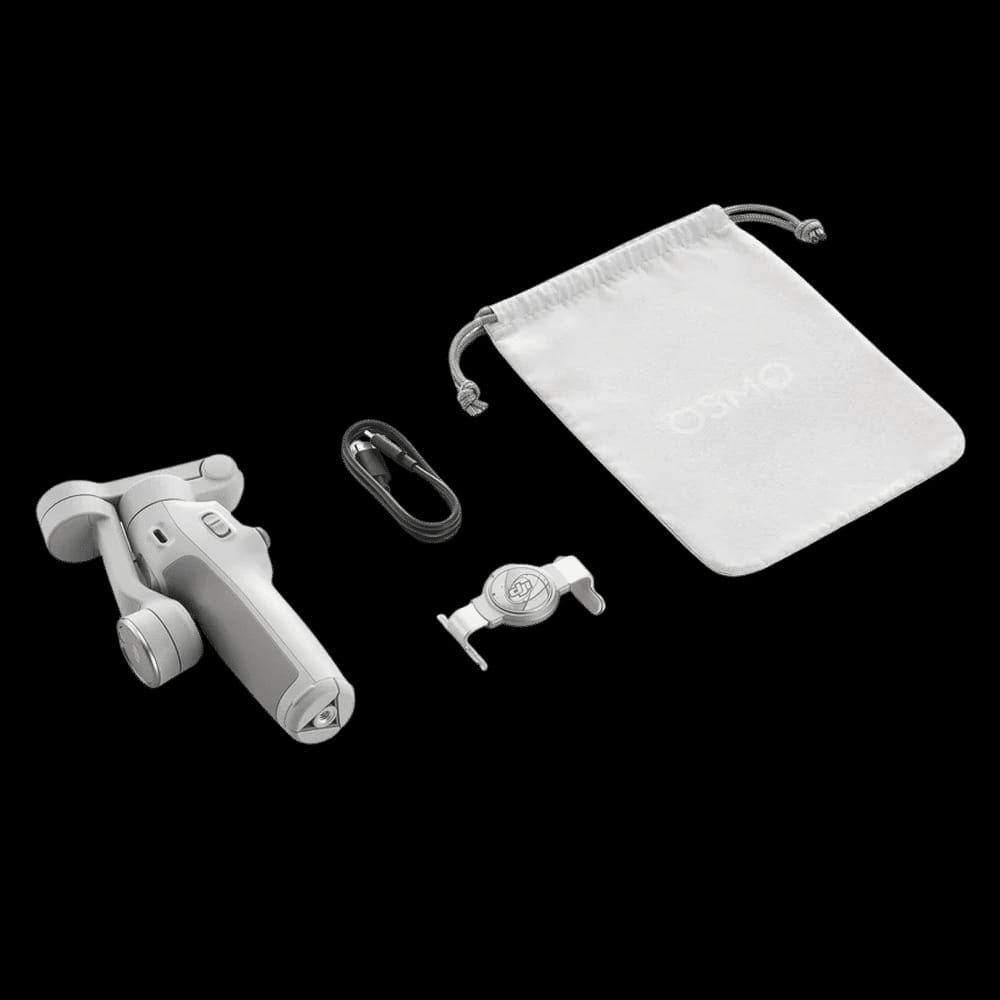
🔄 Magnetic Phone Clamp – Attach and remove your smartphone quickly without repeated balancing.
📡 Bluetooth 5.3 Connectivity – Fast pairing and stable wireless communication.
📱 Wide Smartphone Compatibility – Supports phones weighing 170–300g and widths from 67–84mm.
FAQ(Frequently Asked Questions)
Q1. How do I check if my phone is compatible with Osmo Mobile 7?
A: Check the “Phone Compatibility” section in the user manual. Typical compatible specs: width ~ 67-84 mm, thickness 6.9-10 mm, weight 170-300 g.
Q2. Can I charge my phone using the gimbal?
A: Yes — the Osmo Mobile 7 supports phone charging via its USB-C port.
Q3. How do I update the firmware of Osmo Mobile 7?
A: Use the DJI Mimo app, connect the gimbal, check for firmware updates, and follow the on-screen instructions.
Q4. What is the battery runtime and charging time?
A: For the Osmo Mobile 7 (gimbal balanced, no extra accessories), operating time is approximately up to 10 hours. Charging time is approximately 2.5 hours with a 10W USB-C charger.
Q5. What are the Bluetooth / wireless requirements?
A: The gimbal uses Bluetooth 5.3 for wireless connection.
Q6. Does it have built-in tripod / extension rod?
A: The Osmo Mobile 7 has a built-in tripod (legs integrated) but in the regular version it does not have a built-in extension rod.
Q7. What if my footage looks shaky still — what can I do?
A:
-
Ensure your phone is well balanced in the clamp before powering on.
-
Update the firmware and the DJI Mimo app so motor behaviour is optimal.
-
Avoid adding large heavy accessories to the phone (which might un-balance the gimbal).
-
Use the one-motion unfold + mount method for quick start (recommended in manual).
-
Some user reports suggest with certain phones/app combinations the tracking might lag:
“I just bought a DJI Osmo Mobile 7P and used it … the app started getting laggy"
Q8. Can I use the gimbal without the DJI Mimo app?
A: Yes, to an extent. Basic gimbal stabilization, pan/tilt/roll control should work. However, many of the advanced features (ActiveTrack 7.0, intelligent shot modes, firmware updates) require the DJI Mimo app.
Q9. What happens if I attach the optional Multifunctional Module?
A: When you attach the optional module (sold separately) you unlock additional features: native-camera-app tracking, fill-light, wireless mic reception, gesture control. But note that using the module will reduce battery runtime significantly (e.g., 4-5 h) compared to 10 h.
Q10. Where can I get support or service?
A: You can contact the official support portal for the Osmo Mobile 7 Series. Online service requests and manuals are available.





 Free Shipping
 24/7 Support
 Quality Guarantee